
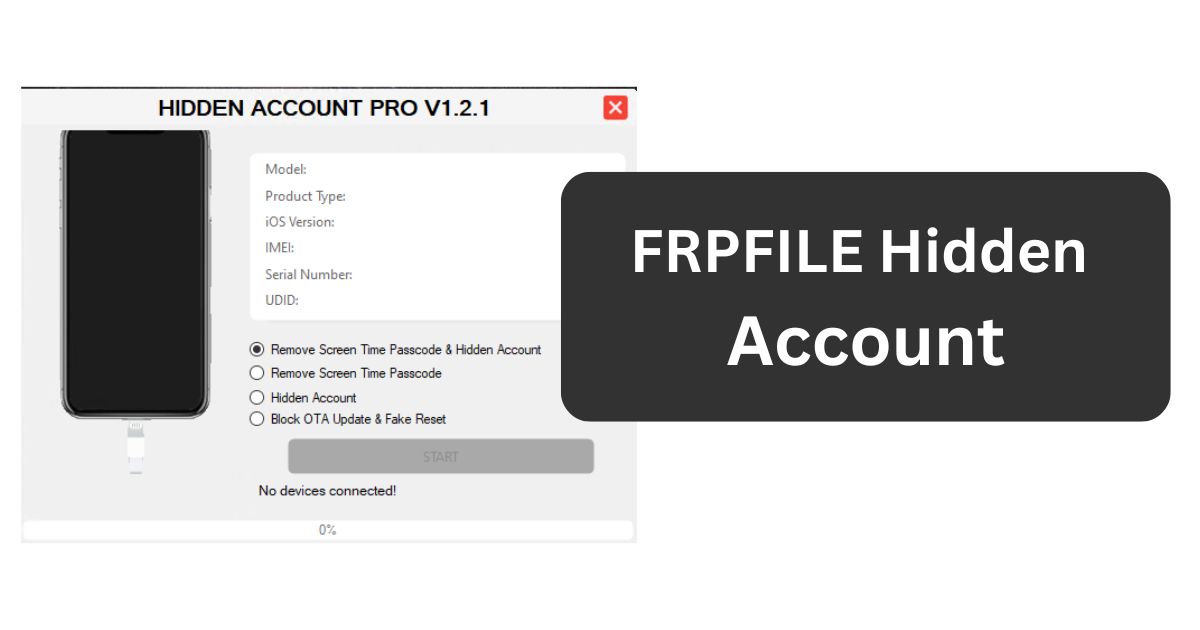
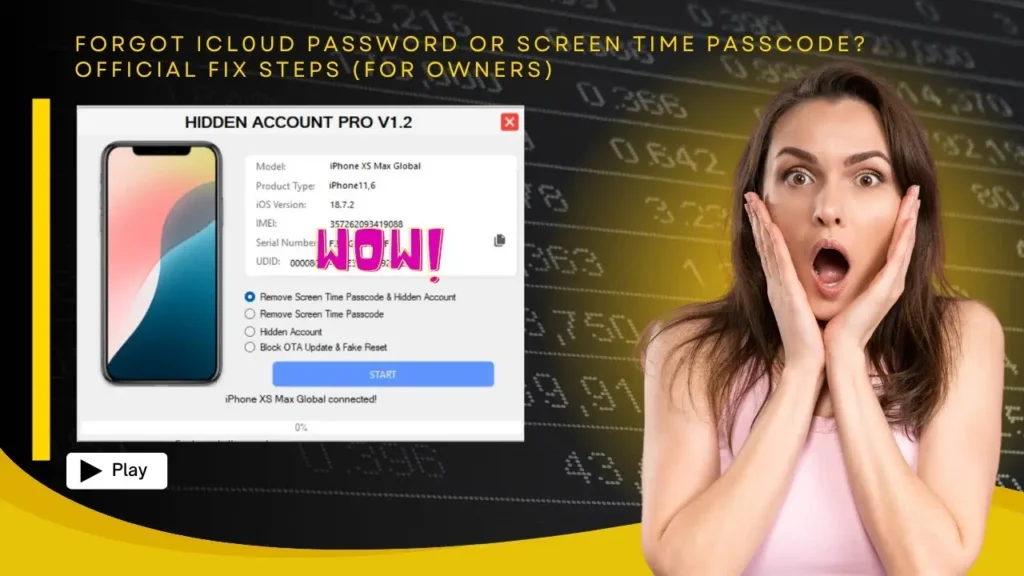
> FRPFILE Hidden Account V1.2 is an updated iOS tool from the FRP FILE team that removes the hidden iCloud/Hidden Account lock and bypasses Screen Time and its passcode on A12+ iPhones and iPads. Version 1.2 specifically fixes the problems that appeared on devices protected by a passcode or Screen Time.
What is FRPFILE Hidden Account Tool?
A "hidden account" is a secondary iCloud profile left on a device after a bypass, which can block resale or cause the device to re-lock. This tool cleans the hidden account and removes Screen Time restrictions with one click, so the device stays usable after the main bypass. It is aimed at A12+ models and recent iOS builds, and it is meant to be run after a regular Hello/iCloud bypass has already put the phone into setup state.
What's New in V1.2
- Screen Time and passcode lock issues fixed.
- Works automatically on devices that are already in Hello mode.
- Removes the hidden account without extra manual steps.
- Better results and a more stable workflow than the previous release.
Features
- Removes hidden / secondary iCloud account from the device.
- Bypasses Screen Time and its restrictions passcode.
- WiFi-based activation - works from Hello mode without a cable lock.
- One-click operation, no manual commands.
- Supported iOS 17.0 up to 18.7.1 at release.
Supported Devices
iPhone XS, XS Max, XR, 11, 12, 13 and later A12+ models, plus the matching iPad Air, iPad Pro and iPad mini versions running the supported iOS range.
How to Use
- Download and extract the tool (unzip password is 123 on most mirrors).
- Run the FRPFILE Hidden Account executable as Administrator.
- Put the device into Hello mode and connect it to the WiFi network.
- Select the Remove Hidden Account / Screen Time option.
- Wait for the process to finish and complete device setup normally.
System Requirements
- Windows 7 / 8 / 10 / 11 (32-bit and 64-bit).
- Apple Mobile Device USB driver.
- Active WiFi connection for activation.
- 7-Zip or WinRAR to extract the package.
FAQ
Is FRPFILE Hidden Account free? The official FRP FILE site lists it among the free tools, though some mirrors gate it behind a shortlink.
Does it wipe my data? The tool focuses on the hidden account and Screen Time; it does not deliberately erase user content.
Why do I need Hello mode? The activation flow expects the device to be at the Hello screen so the WiFi connection can be used.
Will my data be kept? The tool removes the hidden account and Screen Time; it does not deliberately wipe user files, but a backup before any service job is always safer.
Notes
Use the tool only on devices you own or are allowed to service. Scan any downloaded package with antivirus software, since third-party mirrors may alter the original build. Keep the device charged and do not close the tool until it reports success.
Download Link
Download FRPFILE Hidden Account V1.2 from the official FRP FILE downloads page.
Thanks for reading: FRPFILE Hidden Account V1.2 – Remove Hidden Account & Screen Time on A12+ Devices, Sorry, my English is bad:)