
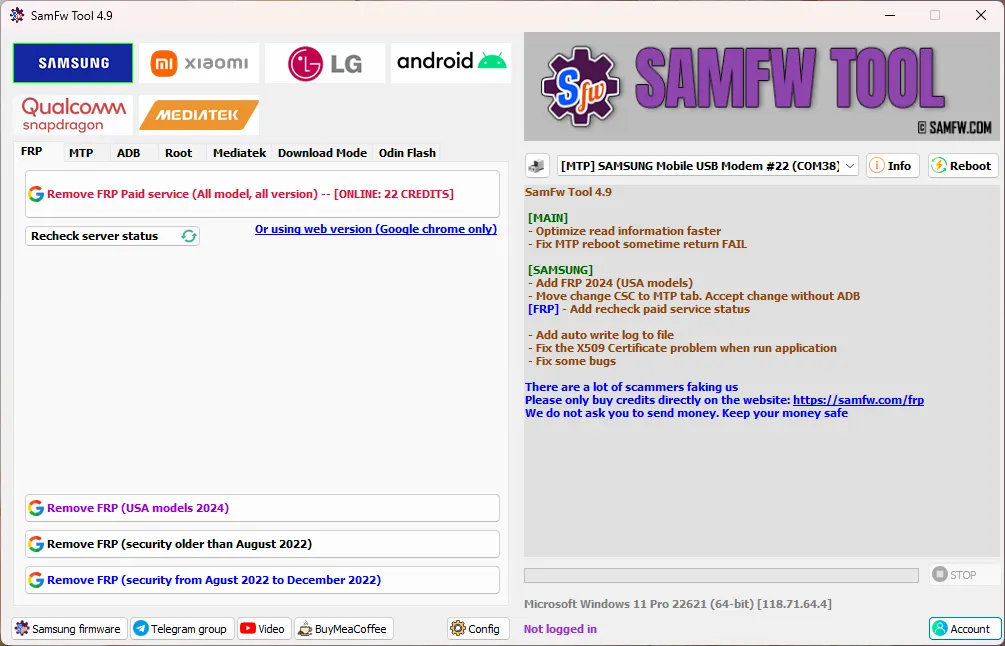
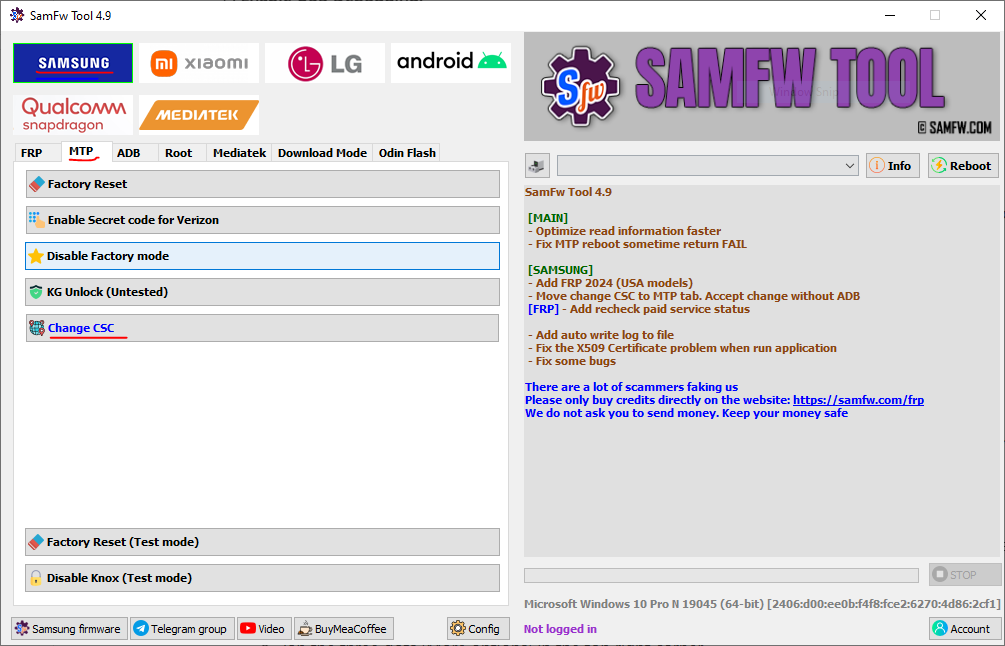
The SamFw Tool developers have released v5.9, a targeted bug-fix and device-expansion update for this popular free Samsung FRP bypass software. If you have been using v5.8 for Exynos FRP work, there is a clear reason to update now.
What is SamFw Tool?
SamFw Tool is a free Windows application for removing Samsung Factory Reset Protection (FRP), changing CSC, flashing firmware, debloating, enabling ADB and more. Beyond Samsung it also supports Xiaomi, LG and other Android devices, and it works with both Qualcomm Snapdragon and MediaTek chipsets.
What's New in v5.9
- Fixed Exynos unlock bugs that were causing failures on certain Samsung models.
- Added six new EDL firehose devices: SC52E (bit 1), SM-A235N (bit C), SM-S908N (bit 9), SM-S911N (bit 8), SM-S916N (bit 8) and SM-S928N (bit 6).
- Qualcomm fixes: resolved "Error Chunk too large" and fixed reading info on EROFS system devices.
- General bug fixes and performance improvements.
Key Features
- One-click FRP removal for Samsung — dial
*#0*#, accept USB debugging, done. - Free offline FRP removal for Samsung Qualcomm devices with security patches before December 2022.
- Paid-credit tier for newer high-patch and Exynos models.
- CSC modification, factory reset, Knox disable, firmware flashing, soft-brick fix, OTA control, Samsung account removal.
- MI Cloud bypass and LG device support.
Supported Devices
Samsung Galaxy A, M, J, S, N and Z series supported; the new EDL models include the Korean SC52E, SM-A235N, SM-S908N, SM-S911N, SM-S916N and SM-S928N variants. SamFw also works with Xiaomi, LG and other Android devices for FRP.
How to Use (FRP Bypass)
- Install the Samsung USB driver.
- Connect the Samsung phone and open SamFw Tool 5.9 as administrator.
- Dial
*#0*#on the phone to enter test mode and allow USB debugging. - Click Remove FRP and wait; the device reboots automatically once done.
Requirements
- Windows PC, .NET 4.7.1 (if you hit an x509 error)
- Samsung Android USB driver
- Internet connection during setup; the bypass itself works offline on older-patch units
Notes
FRP free removal applies to Qualcomm Samsung devices patched before December 2022; newer patches, Android 16 and Exynos removal need paid credits. Always verify the file MD5 after download — v5.9 checksum: 95be51dcd2e2bb2ec73671664c27fcc0.
Download Link
Download the official setup from samfw.com (download page offers the SamFWToolSetup_v5.9.zip).
Thanks for reading: SamFw Tool 5.9 Released - New Exynos Fixes & 6 New EDL Models, Sorry, my English is bad:)