
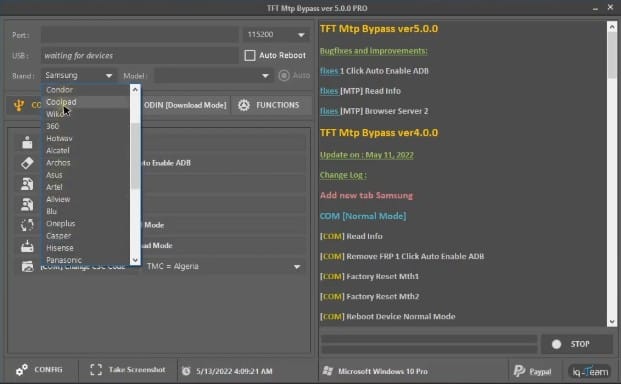
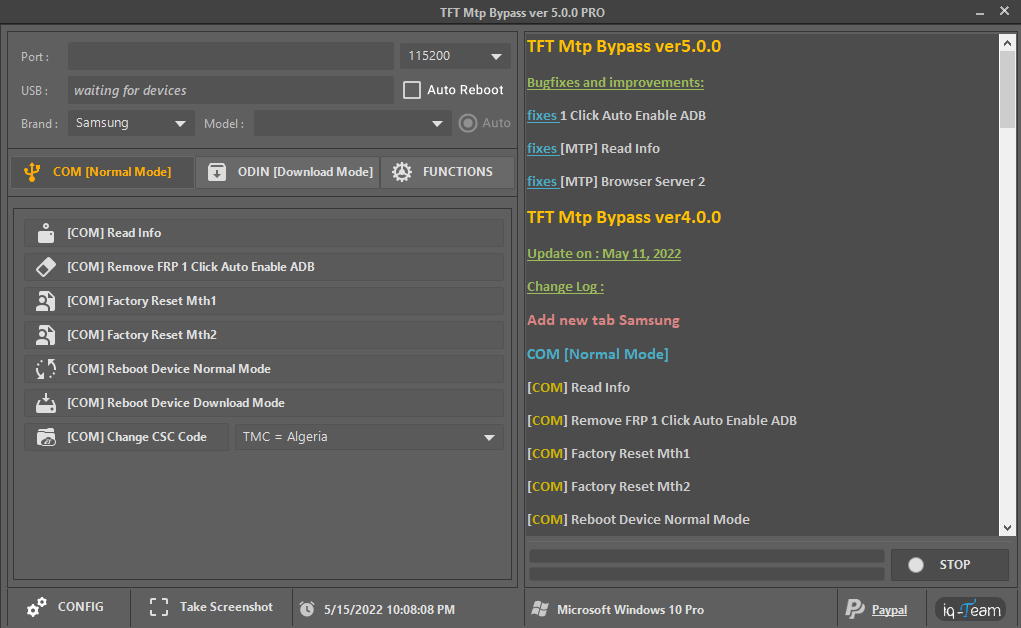
> TFT MTP Bypass Tool v5.0 is a free Windows utility developed by IQ-Team for bypassing Factory Reset Protection (FRP) on Samsung devices directly through MTP (Media Transfer Protocol) mode. Unlike older tools that depend on ADB or a full firmware flash, TFT MTP Bypass works while the phone is connected as a normal media device, which makes it fast and beginner friendly.
What is TFT MTP Bypass Tool?
It is a small, portable FRP bypass tool for Samsung smartphones running Test Mode, ADB mode or Download mode. The tool automates the well-known "MTP browser trick": it opens the device browser through the Galaxy Store or YouTube, then installs the Alliance Shield app to reach the settings and disable FRP. All this is done from the PC with a single click, so you do not need to fight with OEM unlock or emergency calls to get past the Google account screen.
Features
- One-click FRP bypass on Samsung devices via MTP mode.
- Works in Test Mode, ADB mode and Download mode.
- Factory Reset option to wipe the device clean.
- Disable Knox for easier servicing.
- Change CSC (region / country code) on supported models.
- Includes the required Samsung USB driver in the package.
- No internet connection needed for the tool itself.
Supported Devices
The tool targets Samsung Galaxy phones and tablets that are FRP locked. It is regularly updated, so most recent Galaxy A, M, S and Note series models are covered. If a device is not recognised, put it into the correct mode (Test / ADB / Download) and try again.
How to Use TFT MTP Bypass Tool
- Download and extract the TFT MTP Bypass zip to your PC.
- Install the included USB driver (and disable driver signature enforcement if Windows blocks it).
- Power off the phone, then start it in the required mode.
- Connect the device to the PC with a good USB cable.
- Open the tool with Administrator rights and wait for detection.
- Click the FRP Bypass button and follow the on-screen steps.
- Reboot the phone; the Google account setup should be skipped.
System Requirements
- Windows 7 / 8 / 8.1 / 10 / 11 (32-bit and 64-bit).
- Microsoft .NET Framework 4.x installed.
- Samsung USB driver (included in the package).
- PC with any USB port and a working data cable.
FAQ
Is TFT MTP Bypass free? Yes, the tool is distributed free of charge by IQ-Team.
Does it erase my data? The Factory Reset option wipes data, but the pure FRP bypass is not required to erase user content.
Why is my phone not detected? Install the USB driver, enable MTP on the phone and try a different cable or port.
Notes
Always download the tool from trusted sources and scan the zip with an antivirus before running it. Disabling driver signature enforcement is often needed on Windows. Work on a backup of important data before flashing or resetting.
Download Link
Download TFT MTP Bypass Tool v5.0 (all versions, AFH / MediaFire mirrors).
Thanks for reading: TFT MTP Bypass Tool v5.0 – Free Samsung FRP Bypass via MTP Mode, Sorry, my English is bad:)