
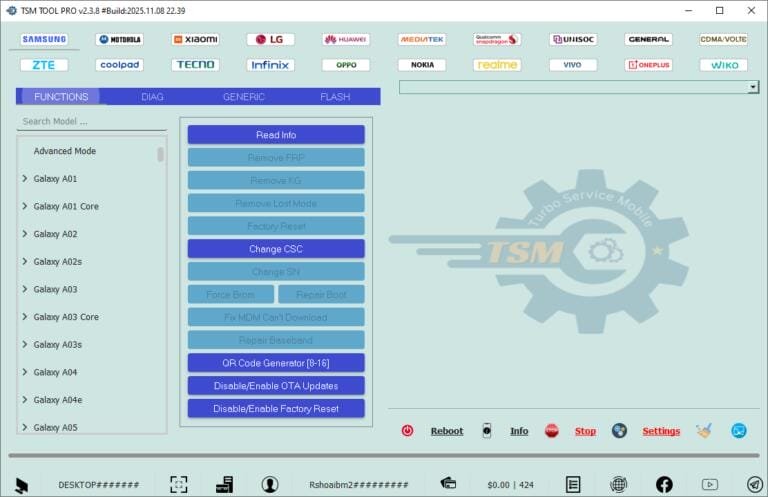
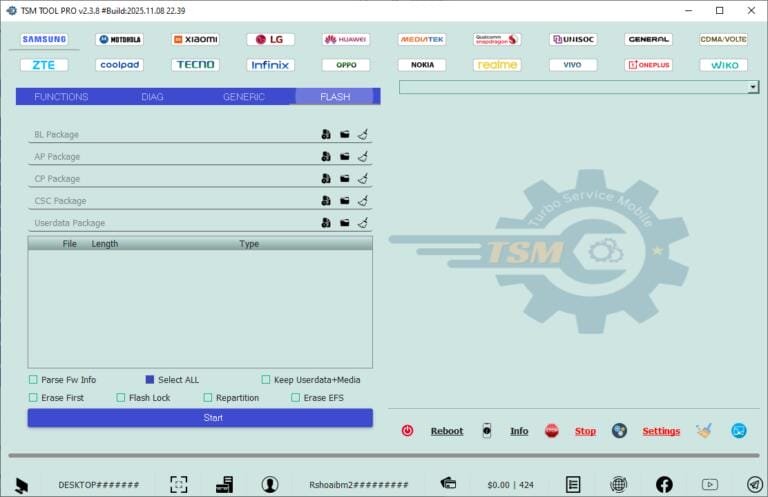
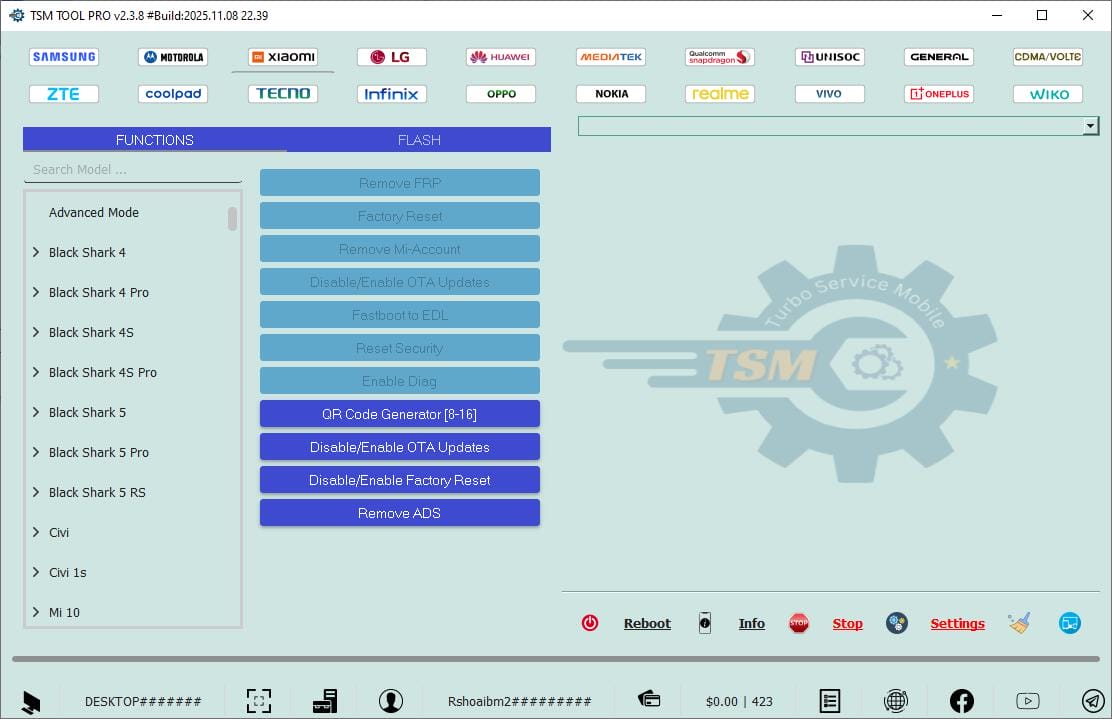
TSM Tool Pro (Turbo Service Mobile Tool) has received two September 2026 updates (2026.09.14 and 2026.09.17) that add Samsung Qualcomm EDL operations, a Direct Samsung firmware flasher, Motorola boot repair, and a World-First ZTE FRP removal method.
What is TSM Tool Pro?
TSM Tool Pro is an all-in-one GSM repair platform for Qualcomm, MediaTek, Samsung (Exynos/Qualcomm) and Spreadtrum/Unisoc devices. Technicians use it to flash firmware, remove FRP, bypass KG/MDM locks, repair IMEI, backup NV and perform factory resets on smartphones and tablets.
What's New in the September 2026 Updates
- Samsung Qualcomm EDL support (server-side, no extra download): Remove FRP, factory reset, read/write firmware/dump for Galaxy A05s, A23 5G, Z Flip3/6, XCover6 Pro, S22+, S24 Ultra, Tab A9+, Tab S9/U — including latest bit versions.
- Direct Samsung Flasher (ZIP) in Download Mode — flash Samsung firmware directly without extracting, saving disk space.
- Boot Repair (Preloader Mode) for Motorola MT6855 — for devices dead after Fastboot FRP operations (Moto G54/G55/G56/G64/G73).
- World-First Remove FRP for ZTE A76 5G and Remove FRP for Samsung A21s (A217F/A217M, Exynos EUB Mode) and A51.
- Factory Reset MT62xx devices in META Mode, plus expanded device support (REVVL, Honor X5, Lenovo K15/K16, Moto E22/G22/G24, Cat S42, Lava, TCL and more).
- Auto-export of logs to install path.
Key Features
- FRP / KG / MDM removal on Samsung, Xiaomi, Huawei, OPPO, Realme, Vivo and more
- Read/write firmware, EFS/NV backup-restore, IMEI repair in Diag/EDL mode
- Samsung QR-code KG removal with Android 14+ support
- Bootloader unlock, MDM removal, factory reset (without full flash)
- MTK V6 protocol and Preloader auth support
Supported Devices
Wide range across Samsung, Xiaomi/Redmi/POCO, OPPO, Realme, Tecno, Infinix, itel, Motorola, Lenovo, REVVL, Honor, ZTE, Cat and more — spanning Qualcomm, MediaTek, Exynos, Unisoc/SPD chipsets.
How to Use / Install
- Download the TSM setup and install on Windows (7/8/10/11).
- Log in with a TSM account (paid tool).
- Connect the device in the required mode (EDL, BROM, Download, META, Fastboot).
- Pick the brand module and function, then press Start.
System Requirements
- Windows 7 / 8 / 8.1 / 10 / 11
- Active TSM licence / login
- Samsung / MTK / Qualcomm / SPD USB drivers
Notes
TSM Tool Pro is a premium credit-based product. EDL and bootloader operations wipe data, so back up before use. Always download from the official site to avoid modified builds.
Download Link
Official download and updates: tsm-tool.com and tsm-tool.net/updates
Thanks for reading: TSM Tool Pro V2026.09.17 - Samsung Qualcomm EDL, Boot Repair & ZTE FRP, Sorry, my English is bad:)