
ReiBoot for Android - Free One-Click Android System Repair Tool [Free][2026]
Labels: UnlockTool
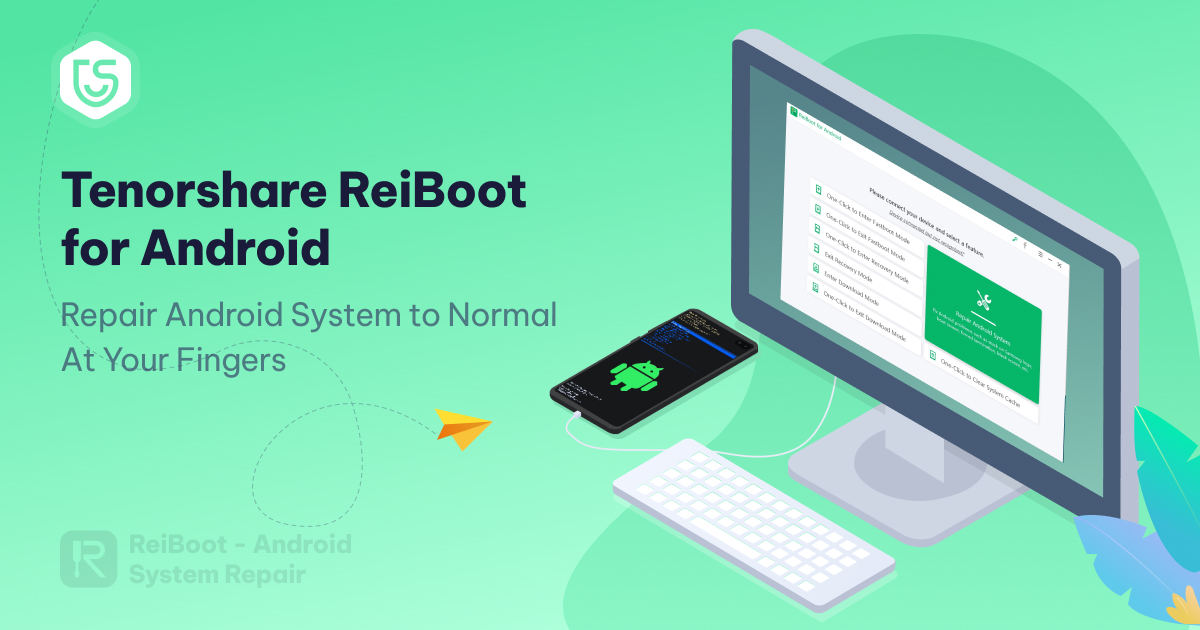
ReiBoot for Android is Tenorshare's Windows utility for fixing Android system problems and for entering the phone's service modes with one click. It repairs more than 50 system issues — the classic Samsung logo freeze, black screen, boot loop and app crashes — and its fastboot, recovery and Download (Odin) mode tools are completely free to use. The current official build covers 2,000+ phones and tablets from 15 brands, running Android 4 up to Android 17.
What is ReiBoot for Android?
ReiBoot for Android is a desktop servicing program that removes the need for manual key combinations when a technician has to boot a phone into fastboot, recovery or Download mode. Instead of holding volume and power keys and hoping the timing is right, you connect the device over USB with debugging enabled and press a single button in the interface. This alone makes it useful in a repair shop, because broken buttons and mistimed key presses are a frequent cause of wasted time.
The deeper function is Repair Android System. The program downloads the correct firmware package for the exact model, puts the phone into Download mode and rebuilds the system partition, which resolves problems such as a device stuck on the logo, repeated restarts, a black or blue screen, sudden battery drain, a slow or unresponsive phone and apps that keep crashing. Tenorshare notes that this particular repair module currently supports Samsung devices, while the free mode-entry functions work with all supported brands.
The free and Pro editions are clearly separated. Entering fastboot, recovery and Download mode is free, and exiting recovery mode is free as well, while repeated fastboot/Download-mode exits (five times in the free version), the system repair module and cache clearing belong to the Pro license. Clearing the system cache is handled by the tool without touching your personal files, so it is a safe first step against sluggish performance.
What's New in V2.1.24
- Current official build — the English ReiBoot download portal lists version 2.1.24 (99.94 MB, updated March 17, 2025) as the latest release.
- Android 17 coverage — Tenorshare's tech specifications now list support from Android 4 through Android 17, so new handsets are recognised.
- Free Download (Odin) mode tools — one-click entry and exit of Download mode for Samsung and other phones, included at no cost.
- One-click cache clearing — wipe the system cache partition in a single operation to restore smooth performance without losing data.
- Expanded model database — 2,000+ phone and tablet models across 15 brands are covered for the mode and repair functions.
- Samsung system repair module — firmware-based repair flow for Samsung devices, with guided Download-mode instructions during the process.
Key Features
- Repair 50+ Android issues — fixes stuck on Samsung logo, black screen of death, boot loop, phone keeps restarting, app crashing, device stuck in recovery or Download mode, and phones that will not turn on.
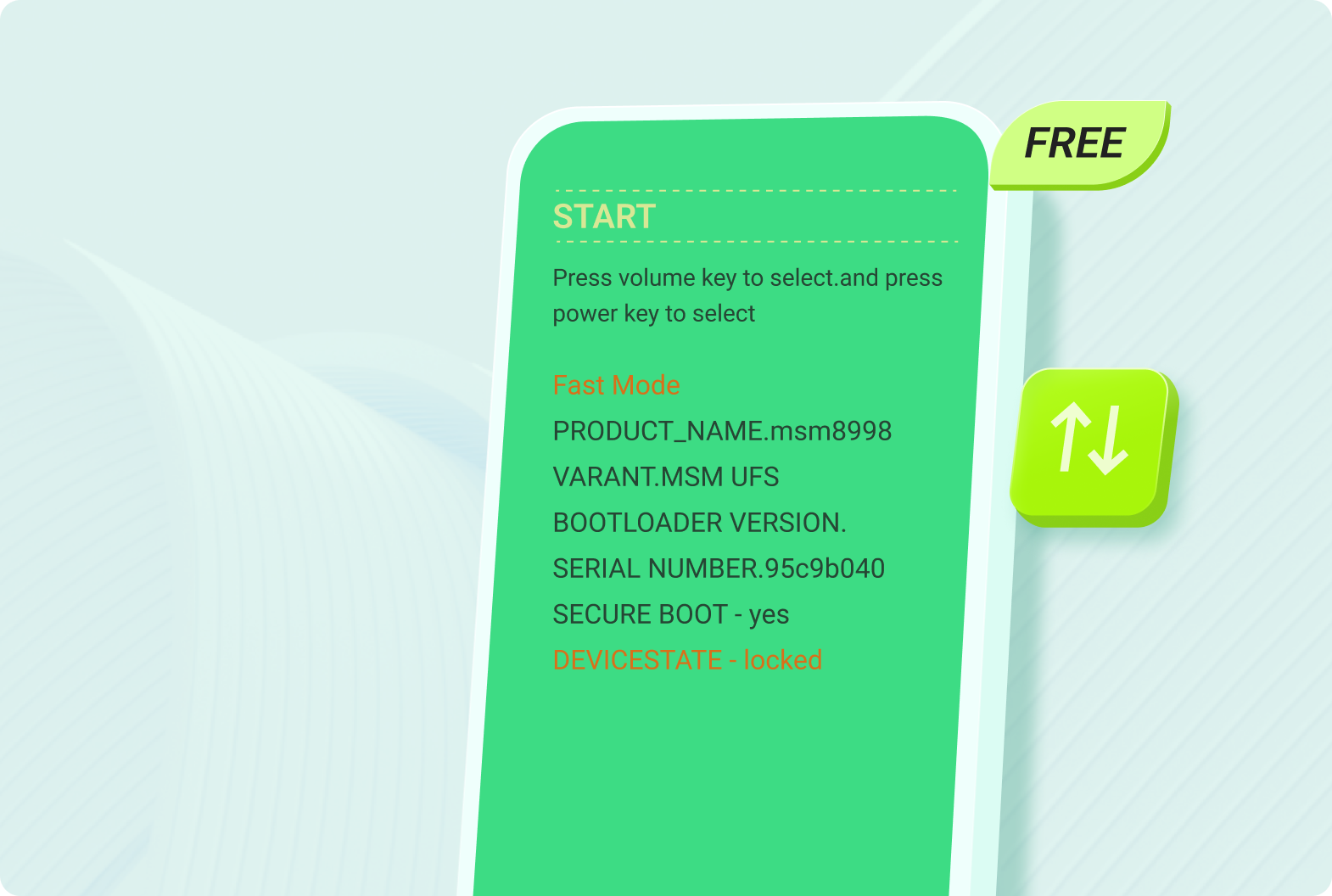
- One-click fastboot control — enter and exit fastboot (bootloader) mode on any supported device without the key combination method; exiting is free up to five times in the free edition.
- One-click recovery control — enter and exit Android recovery mode with a single click, which is where custom ROMs, kernels and factory resets are normally handled.
- Download (Odin) mode helper — get the phone into the mode required for flashing ROMs and kernels, with clear on-screen instructions for Samsung, Huawei and others.
- System cache clearing — clear the cache partition in one click to fix lag and stutter while keeping user data intact.
- Guided firmware repair — the tool selects the correct device info, downloads the matching firmware package and walks the phone through Download mode automatically.
- Free mode-entry toolkit — the core enter/exit functions cost nothing, so the tool stays useful even without a Pro license.
Supported Devices
ReiBoot for Android works with more than 2,000 phones and tablets from 15 brands, including Samsung, Google, Sony, Motorola, LG, HTC, Huawei, Xiaomi, OnePlus and Oppo — so almost any customer handset that walks into the shop will be recognized. The free mode functions (fastboot, recovery, Download mode) apply to all of these brands, while the Repair Android System module is currently limited to Samsung models, which is worth remembering before promising a fix to a customer.
Supported operating systems run from Android 4 up to Android 17, covering both old budget phones and the newest releases. The computer side is Windows only: Windows 11, 10, 8.1, 8, 7 and XP in both 32-bit and 64-bit editions are supported, and there is no macOS version of ReiBoot for Android — Mac users need an alternative or a Windows machine.
How to Use
- Download and install ReiBoot for Android on your Windows PC, then launch the program.
- On the phone, open Settings > About Phone, tap Build Number seven times to unlock Developer Options, then enable USB Debugging in Settings > Developer Options.
- Connect the phone with a USB cable and tap Allow on the authorization prompt so the PC can see the device.
- For quick service, use the free buttons on the main screen to enter or exit fastboot, recovery or Download mode in one click.
- For system problems, select Repair Android System and click Repair Now, then confirm the exact device brand, model and region information shown on screen.
- Let the tool download the correct firmware package, then follow the prompt to put the phone into Download mode and start the repair.
- Keep the cable connected for the whole process (about 10 minutes); when it finishes, the phone boots normally — if it stalls, use the Retry option in the interface.
Requirements
- Windows PC or laptop: Windows 11 / 10 / 8.1 / 8 / 7 / XP (32-bit or 64-bit)
- USB Debugging enabled on the Android device before connecting
- Original USB data cable and working phone drivers so the PC detects the handset
- Internet connection to download the firmware package used by the repair module
- Enough free disk space on the PC for the downloaded firmware
- Sufficient battery on the phone, and never disconnect the cable while a repair is running
- Free edition for mode entry; Pro license required for system repair and cache clearing
Download Link
Tenorshare ReiBoot for Android — official installer via the Tenorshare download center: https://www.tenorshare.com/download.html
The download is free and the fastboot, recovery and Download mode functions work without payment; the Pro license unlocks the Samsung system repair module, unlimited mode exits and cache clearing. Product page and technical specifications: https://www.tenorshare.com/products/reiboot-for-android.html — grab the file from the official Tenorshare site only, since unofficial mirrors often ship modified builds.
Thanks for reading: ReiBoot for Android - Free One-Click Android System Repair Tool [Free][2026], Sorry, my English is bad:)