
ReiBoot V9.6.13 - Free iOS System Repair & Recovery Tool [Free][2026]
Labels: ICloud Unlock
Tenorshare ReiBoot is a free iPhone recovery-mode tool and a full iOS system repair utility for Windows and Mac. The current build, V9.6.13, was published on July 8, 2026 and keeps full compatibility with iOS 27 and the iPhone 18 line-up. With a single click you can enter or exit Recovery Mode, repair more than 150 system issues, upgrade or downgrade iOS, and back up your data — all without jailbreak or iTunes.

What is ReiBoot?
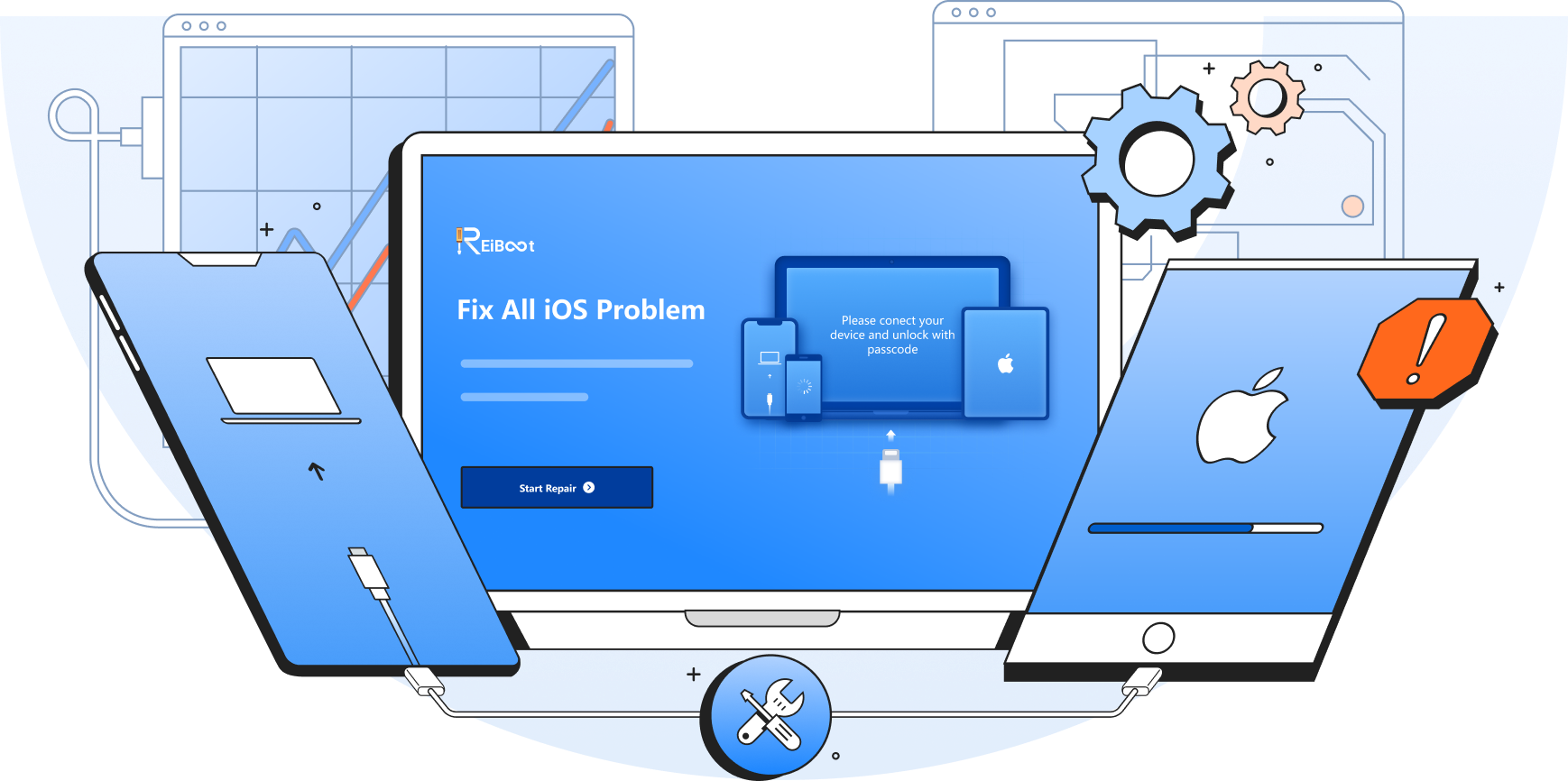
ReiBoot is a desktop application developed by Tenorshare, a software company founded in 2007 that focuses on iOS and Android servicing tools. The program solves a very common workshop problem: an iPhone or iPad that will not boot normally, is stuck on the Apple logo, is trapped in a recovery loop, or shows a black screen. Instead of forcing the device into a manual DFU sequence or running a full iTunes restore that wipes everything, ReiBoot diagnoses the system and repairs it through a guided, mostly one-click workflow.
The most useful free function is Recovery Mode control. ReiBoot puts any supported iPhone, iPad or iPod touch into Recovery Mode and gets it back out again without using the physical button combinations, which is handy when the home or side button is damaged. The free tier also covers macOS system repair and macOS downgrade, while the advanced iOS repair modes, iOS upgrade/downgrade, factory reset and data functions are part of the paid ReiBoot Pro license.
Under the paid modes, ReiBoot offers Standard Repair, which fixes the operating system while keeping photos, messages and apps intact, and Deep Repair, which handles deeper corruption at the cost of erasing user data. Tenorshare states a 99% recovery rate and an average repair time of around four minutes, and the tool has been on the market for more than 14 years with tens of millions of registered users worldwide.
What's New in V9.6.13
- Build V9.6.13 (July 8, 2026) — the latest maintenance release, published with bug fixes and updated unlock guides on the official ReiBoot download portal.
- iOS/iPadOS 27 support — added in V9.6.11 on June 9, 2026 for fast compatibility after the system update, and carried forward into the current build.
- iPhone 18 and iPhone 17 series ready — restore support across Recovery Mode and DFU Mode for the newest Apple handsets.
- Built-in backup and restore — save iPhone data to the computer without iTunes or iCloud before a repair or downgrade (introduced in V9.6.0).
- iOS 26.x compatibility — full support for iOS/iPadOS 26.2 has been maintained since V9.6.6, so older devices stay covered too.
- Stability refinements — ongoing performance improvements to the repair engine for smoother upgrades, downgrades and system fixes.
Key Features
- One-click Recovery Mode — free entry and exit of Recovery Mode on iPhone, iPad and iPod touch in about 15 seconds, no button combinations required.
- 150+ iOS issues repaired — fixes Apple logo stuck, boot loop, black screen, frozen screen, battery drain, headphone mode, disabled iPhone and restore-screen loops without data loss in Standard mode.
- iOS upgrade and downgrade — move to the newest iOS 27 build or roll back to any signed earlier version without jailbreak and without iTunes/Finder.
- Backup, reset and erase — back up and restore device data from the PC, reset to factory settings without a passcode, and permanently erase personal data before selling a phone.
- iTunes error repair — resolves common sync and restore failures such as iTunes error 4013 and 1110 directly from the interface.
- macOS and tvOS repair — also diagnoses and fixes Mac black screen, Mac startup failures and Apple TV tvOS issues, with free macOS downgrade support.
- Wide language support — interface available in 18 languages, including Arabic, English, French, Spanish and Russian.
Supported Devices
ReiBoot covers the complete iPhone range, from the newest iPhone 18 Pro and iPhone 18 Pro Max down through the iPhone 17, 17e, 17 Air, 16, 16e, 15, 14, 13, 12, 11, XR, XS, X, 8, 7, 6, 5 and SE models. Every iPad variant is supported — iPad, iPad mini, iPad Air and iPad Pro — together with iPod touch generations 2 through 7 and Apple TV generations 1 to 4. All Mac computers are supported for the iOS-related features, while the dedicated Mac repair function covers MacBook Air 2018-2020, MacBook Pro 2018-2023, iMac 2017-2021, Mac mini 2018-2023, Mac Studio 2022 and Mac Pro 2019/2020.
On the software side the tool works with iOS 27, iOS 26, iOS 18, iOS 17, iOS 16, iOS 15/14, iOS 13 and older releases all the way back to iOS 9, plus iPadOS 13 through iPadOS 27. Host computers are covered on Windows 11, 10, 8.1, 8, 7 and XP in both 32-bit and 64-bit editions, and on macOS from 10.11 El Capitan up to the current macOS 27 release.
How to Use
- Download the ReiBoot installer from the official link below and run it on your Windows PC or Mac.
- Connect the iPhone or iPad with an original USB cable, unlock the screen with the passcode and tap Trust if the device asks for computer access.
- From the main interface, use the free Enter Recovery Mode button to get the device into recovery in one click, or Exit Recovery Mode if it is already stuck there.
- For system problems, click Start Repair and choose between Standard Repair (keeps all data) or Deep Repair (erases data, back up first).
- Let the tool download the correct firmware package for your model and iOS version automatically, then confirm to begin the repair.
- Keep the cable connected until the process finishes; the device reboots on its own and the interface reports completion, after which you can set it up and verify the fix.
Requirements
- Windows 11 / 10 / 8.1 / 8 / 7 / XP (32-bit or 64-bit) or macOS 10.11 and newer
- Processor: 1 GHz or above
- RAM: 512 MB minimum, 1 GB recommended for smooth repair operations
- Disk space: 200 MB or more free for the program and downloaded firmware
- An original USB data cable and an unlocked device screen (passcode known)
- Stable internet connection for firmware download and license activation
- No jailbreak required on the device
Download Link
Tenorshare ReiBoot V9.6.13 — official Windows installer: https://download.tenorshare.com/downloads/reiboot_1051.exe
The installer is free to download; entering and exiting Recovery Mode costs nothing and has no time limit. Advanced functions such as iOS System Repair, iOS upgrade/downgrade and device reset are unlocked with ReiBoot Pro, sold as $24.95 per month, $49.95 per year or $79.95 for a lifetime license on Windows. Product page and full changelog: https://www.tenorshare.com/products/reiboot.html — always download from the official Tenorshare domain rather than third-party mirrors.
Thanks for reading: ReiBoot V9.6.13 - Free iOS System Repair & Recovery Tool [Free][2026], Sorry, my English is bad:)