
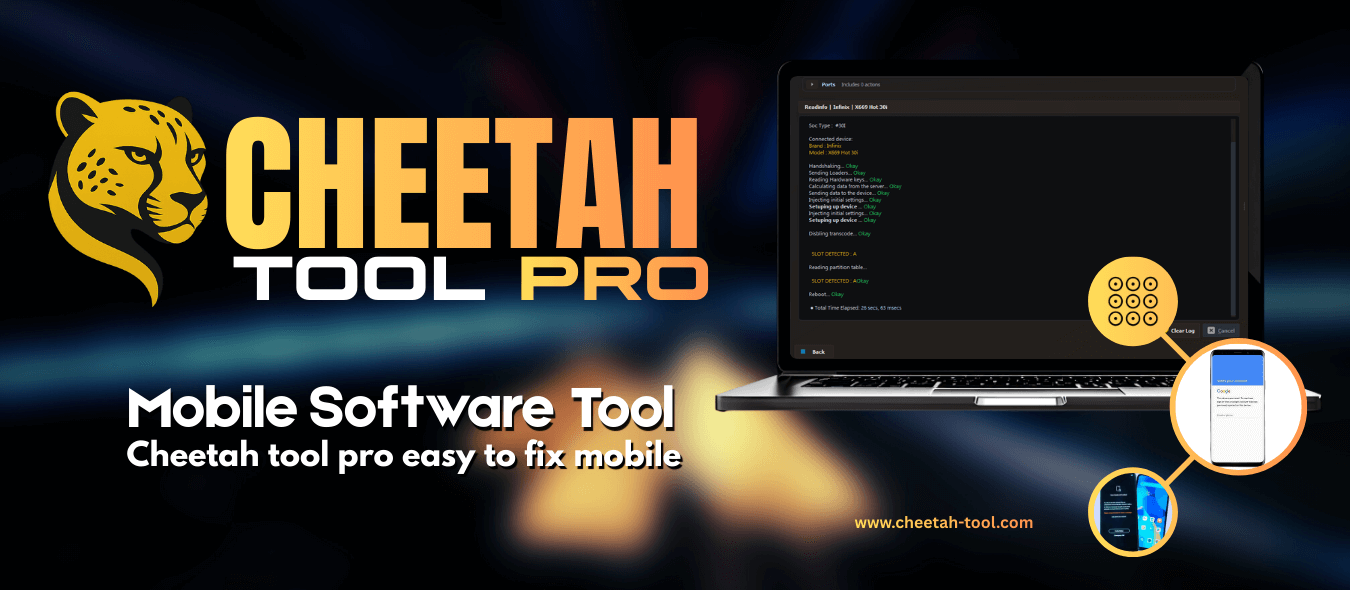
Cheetah Tool Pro V2026.09.17.193.0 is a major servicing update that introduces a World-First Nothing Phone Demo Remove, Qualcomm NTPI firmware flashing, expanded MediaTek and Unisoc operations, and new auth-free service for Xiaomi, Realme, OnePlus and Lenovo devices.
What is Cheetah Tool Pro?
Cheetah Tool Pro is a professional multi-brand mobile servicing platform used by technicians for FRP removal, firmware flashing, IMEI repair, bootloader and network unlocking, MDM servicing and demo removal across Unisoc, MediaTek, Qualcomm and Samsung platforms.
What's New in V2026.09.17.193.0
- World-First Nothing Phone Demo Remove — remove demo mode from all supported Nothing Phone models.
- Qualcomm NTPI firmware flashing — new firmware servicing workflow on supported Qualcomm devices.
- Tecno / Infinix / itel META Mode Partition Manager — read, write and wipe partitions; plus META Mode bootloader unlock.
- New auth-free (beta) support: Xiaomi/Redmi/POCO, Realme, OnePlus and Lenovo tablets for read/write firmware, reset FRP and factory reset.
- Unisoc network unlock in BROM mode (Tecno, Hisense, itel, Stylo, Villaon).
- MediaTek legacy boot fix and updated MediaTek V6 series support.
New Auth-Free Models (Beta)
Xiaomi 13/13 Pro/13 Ultra, Xiaomi 15 series, Mix Flip 2, Mix Fold 3, Pad 6S Pro, Pad 8 Pro, POCO F8 Pro, Redmi K-series and more — as well as Realme GT/12/13/14 series, OnePlus Nord 6 and Turbo 6, and Lenovo Idea Tab / Tab K11 Gen 2. Beta support may vary with model, firmware and security version.
Supported Devices
Nothing Phone (demo remove), Xiaomi/Redmi/POCO, Realme, OnePlus, Lenovo tablets, Tecno/Infinix/itel, Hisense, Unisoc/Spreadtrum models, plus Samsung and MediaTek V6 devices listed in the changelog.
How to Use / Install
- Download the latest setup from the official Cheetah site and install on Windows.
- Log in with an active Cheetah Tool credit account.
- Connect the phone in the required mode (EDL, BROM, META, Preloader, Download).
- Select the brand module and function (Demo Remove, FRP, Flash, Unlock), then press Start.
System Requirements
- Windows PC with the Cheetah drivers installed
- Active Cheetah licence / credit balance
- Proper USB cable and a supported device model
Notes
This is a paid, credit-based professional tool. The auth-free operations are marked BETA and may differ by security patch. Always back up data before bootloader or partition operations, which carry risk.
Download Link
Get the latest setup from the official site: cheetah-tool.com/download
Thanks for reading: Cheetah Tool Pro V2026.09.17.193.0 - World-First Nothing Phone Demo Remove, Sorry, my English is bad:)